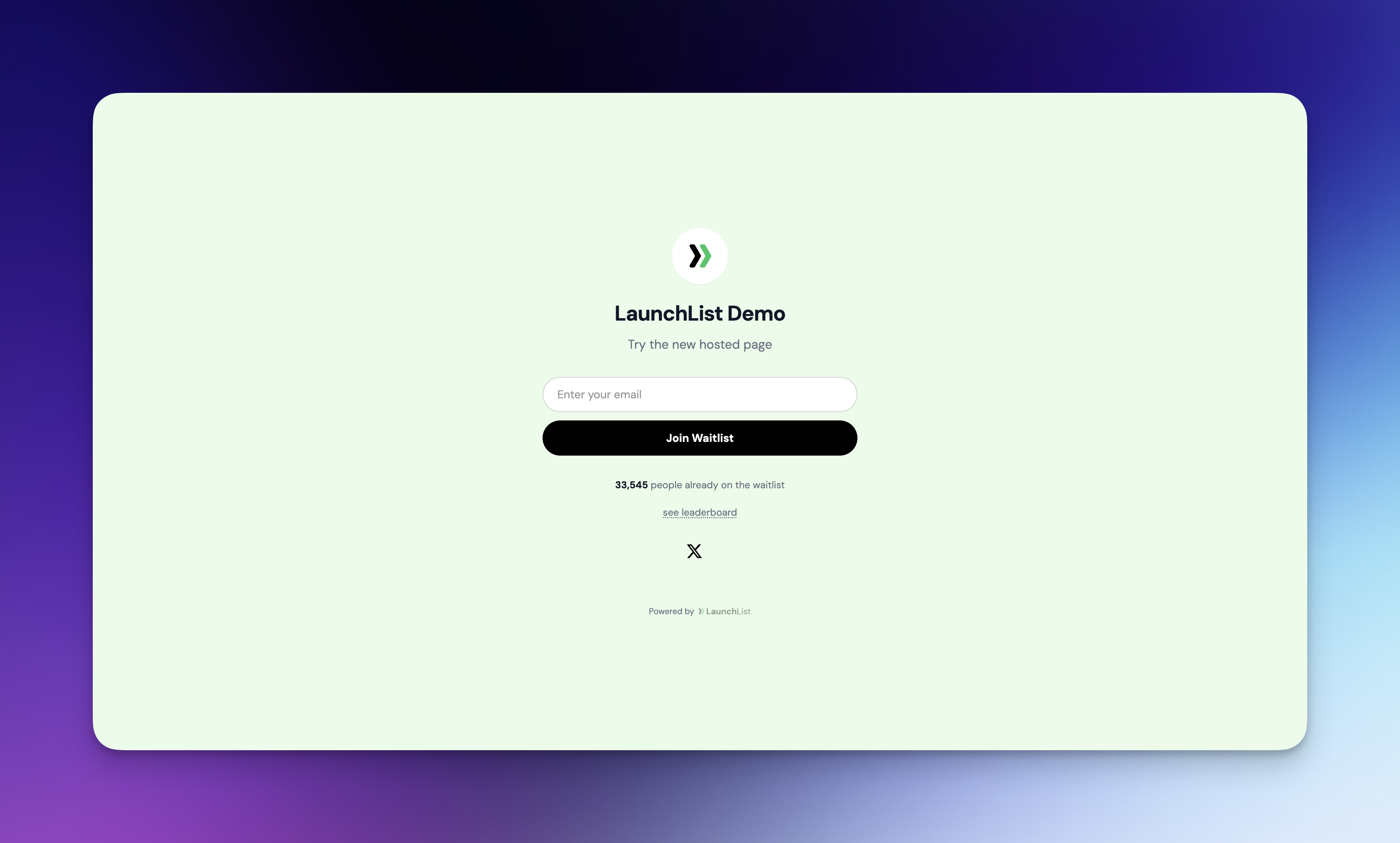
You can now create a standalone, hosted waitlist page for any of your waitlists. Share a simple link and start collecting signups — no website or embed code required.
What's included
- Dedicated page URL — Each waitlist gets a /pages/your-slug URL you can share anywhere
- Full customization — Set your headline, subtitle, background color, button color, and button text color
- Smart dark mode — Pick any background color and text automatically adjusts for readability. Dark background? White text. Light background? Dark text. No extra configuration needed.
- Display controls — Toggle signup count, leaderboard, logo, and social links on or off
- SEO settings — Set a custom SEO title and description, and control whether search engines can index your page. Indexable pages are automatically included in the sitemap.
- Referral link routing — Choose whether referral links point to your website or the hosted page
Dashboard updates
- New Hosted Page item in the sidebar with a reorganized menu order
- Page settings panel with General, Display, Referral, Styling, SEO, and Settings sections
- Live preview updates as you change settings
How to get started
- Open any waitlist and click Hosted Page in the sidebar
- Customize your headline, colors, and display options
- Copy the page URL and share it with your audience